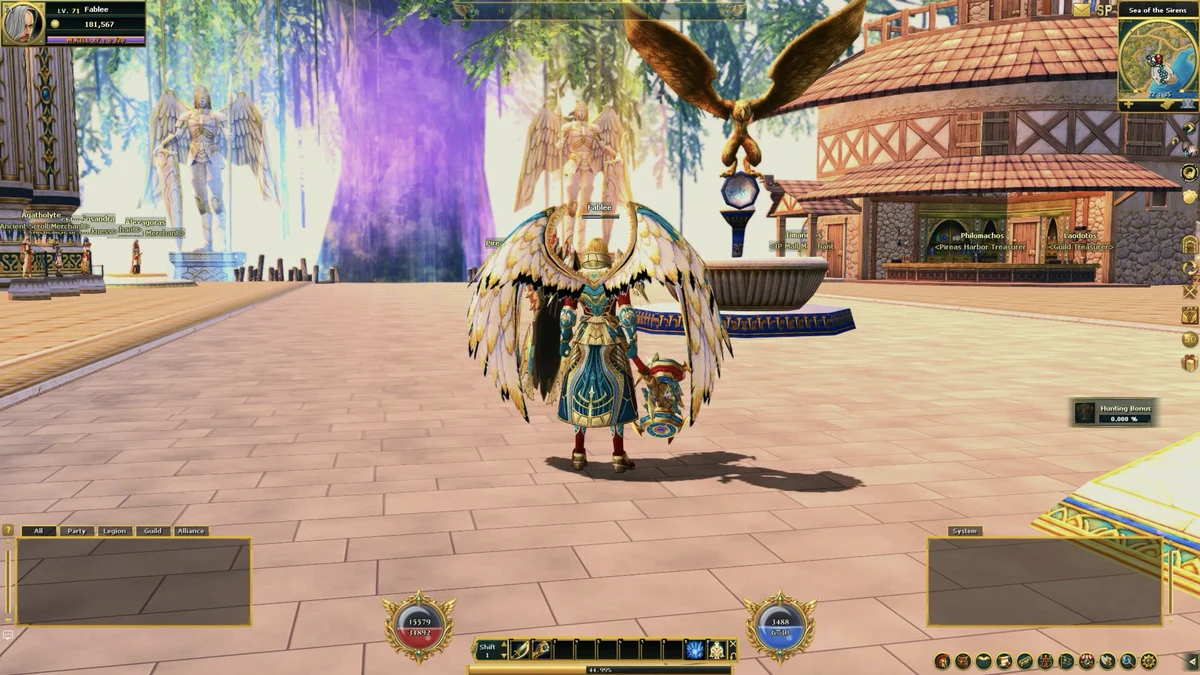
In-Game Interface

Keyboard
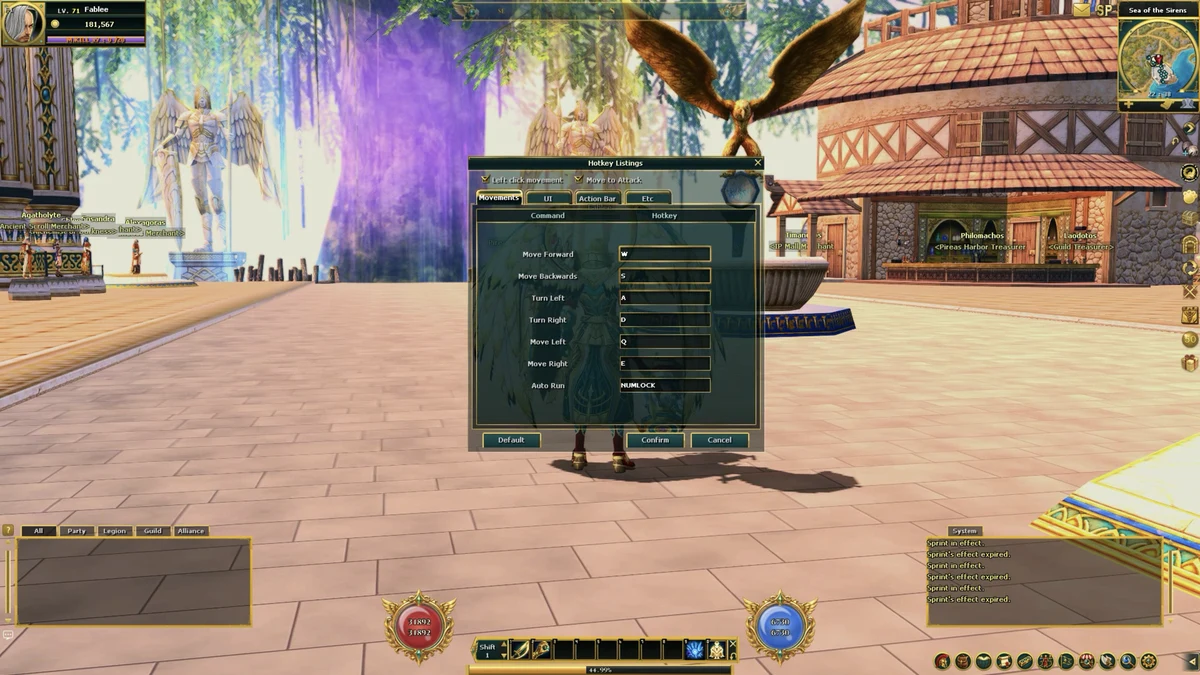
| W / S | Forward / back |
|---|---|
| A / D | Turn left / right |
| Q / E | Strafe left / right |
| Num Lock | Auto-run |
| Right mouse | Turn the camera |
| Mouse wheel | Zoom |
| 1 to 0 | Action bar |
|---|---|
| Tab / Home | Select enemies |
| F1 | Select yourself |
| F2 to F6 | Select party members |
| End | Select NPCs nearby |
| Space | Pick up |
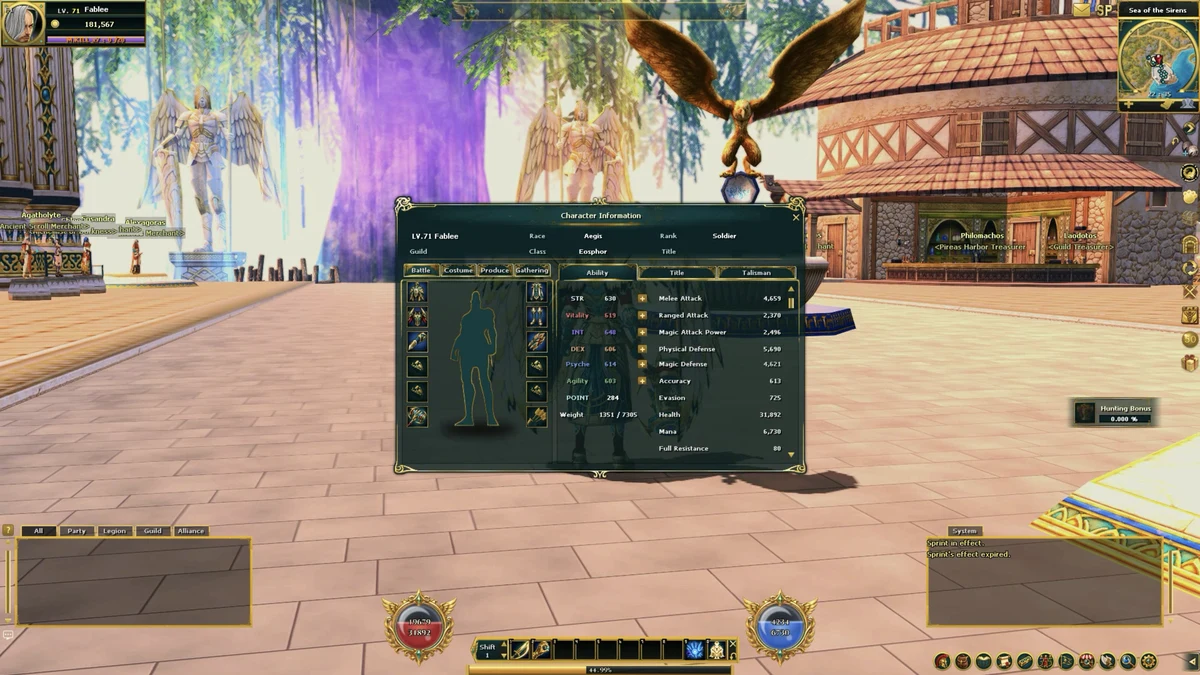
| C | Character |
|---|---|
| I | Inventory |
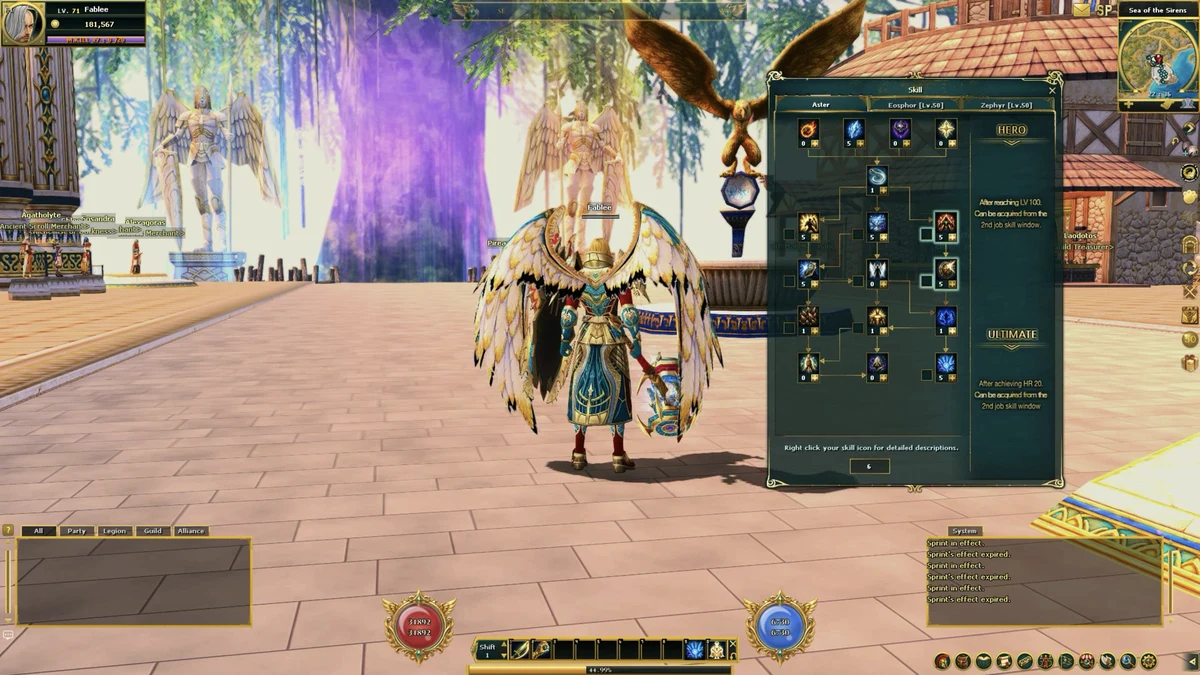
| K | Skills |
| J | Quest journal |
| M | World map |
| G | Guild |
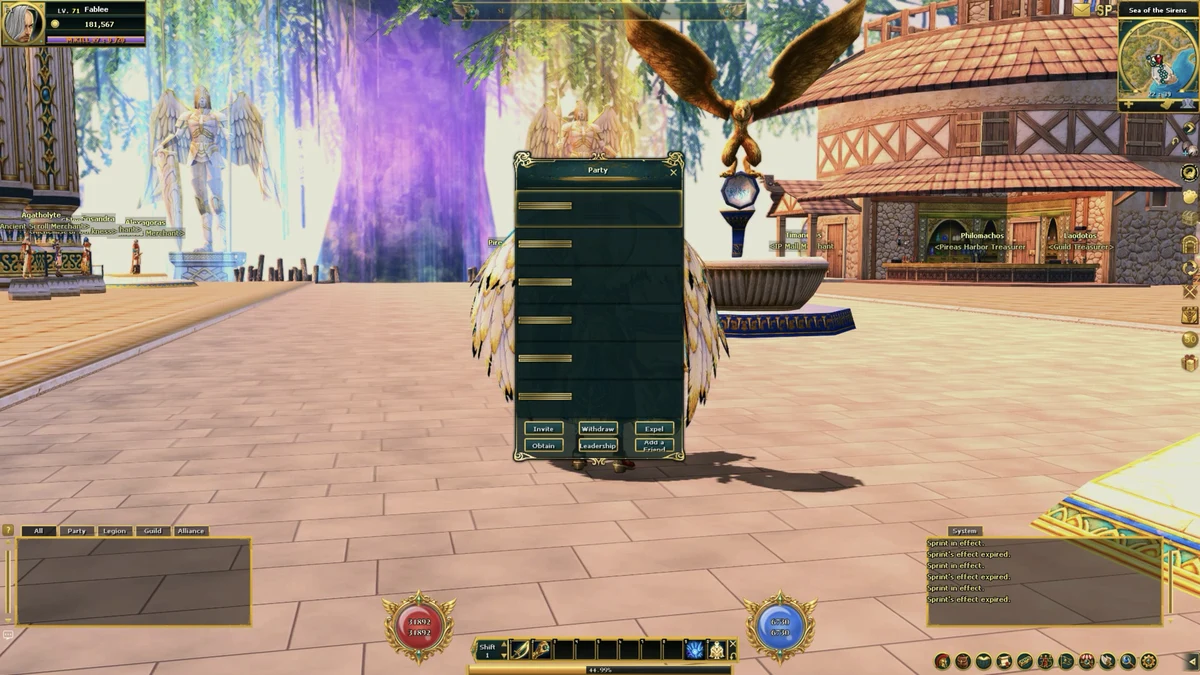
| P | Party |
| N | Basic actions |
| B | Toggle action bar |
| F | Seller's Kiosk search |
| L | Find friend |
| T | Quest helper |
| H | Help |
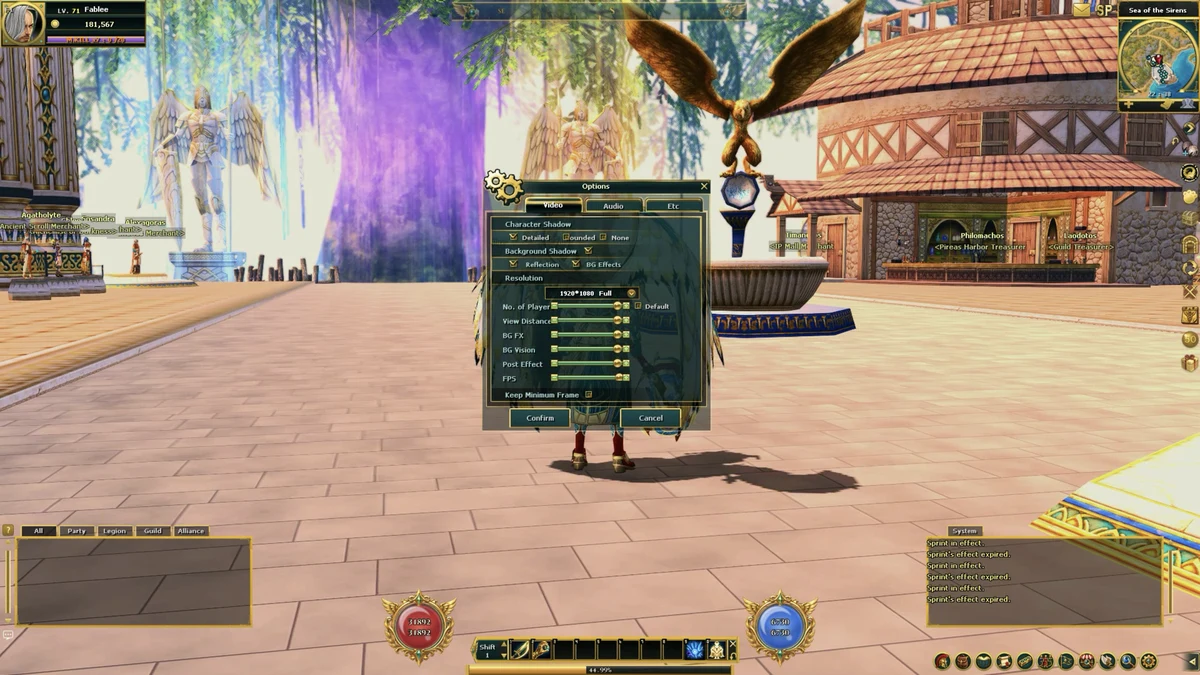
| O | Options |
| F11 | Hide the interface |
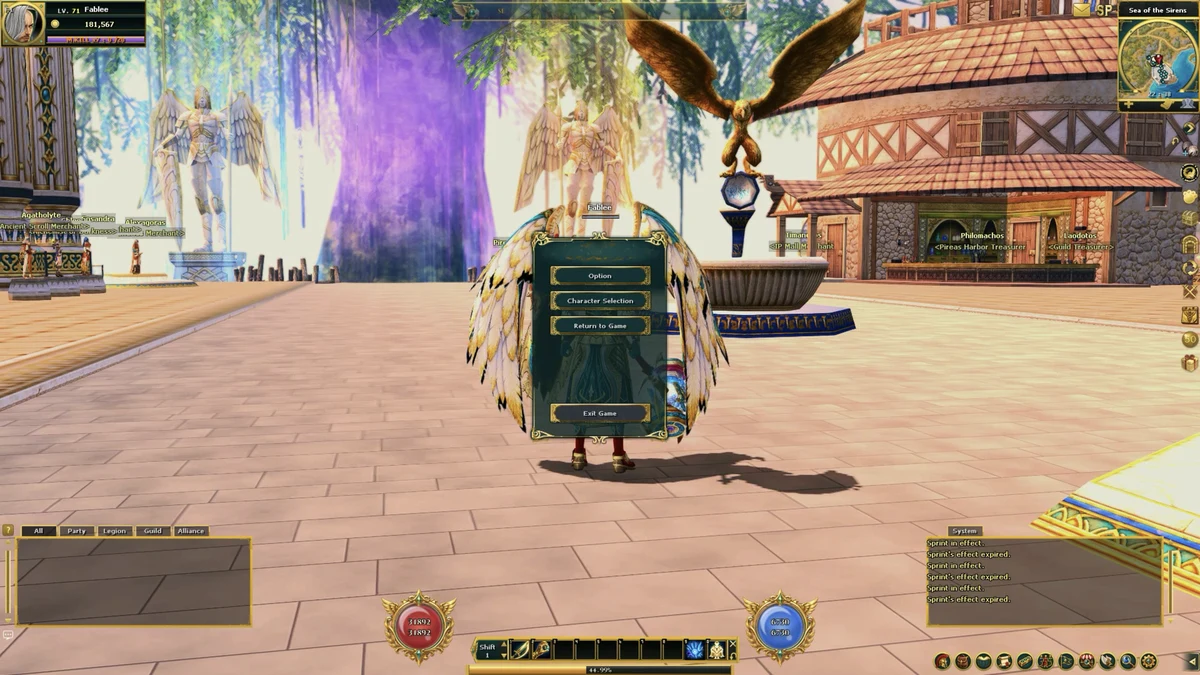
| Esc | Close windows / system menu |
Every key except movement (W, A, S, D, Q, E) can be remapped: click the small ? above the MENU button to open Hotkey Listings.