Combat basics

How fighting works in HermesWorld Realms: targeting, attacking, your action bar, staying alive, and what happens when players fight players.
1. Pick a target
Left-click a monster to select it, or press Tab (or Home) to cycle through nearby enemies. Your target appears in the Target window with its buffs and debuffs; Esc closes it.
| Tab / Home | Select enemies |
|---|---|
| F1 | Select yourself |
| F2–F6 | Select party members |
| End | Select NPCs in the area |
| Left-click | Select target, move |
|---|---|
| Double left-click | Attack target / follow a player |
| Ctrl + left-click | Attack another player |
| Right-click | Change direction and camera |
2. Attack and use skills
Double-click your target to start attacking. Your skills, items and actions go on the action bar: drag them from the Skill window (K) or your inventory (I) into the numbered slots, then press 1–0 to use them. Every key except movement (W, A, S, D, Q, E) can be remapped from the small ? button above the MENU button.
Your class decides your skills. See the Skill System and your race page under Race & Classes.
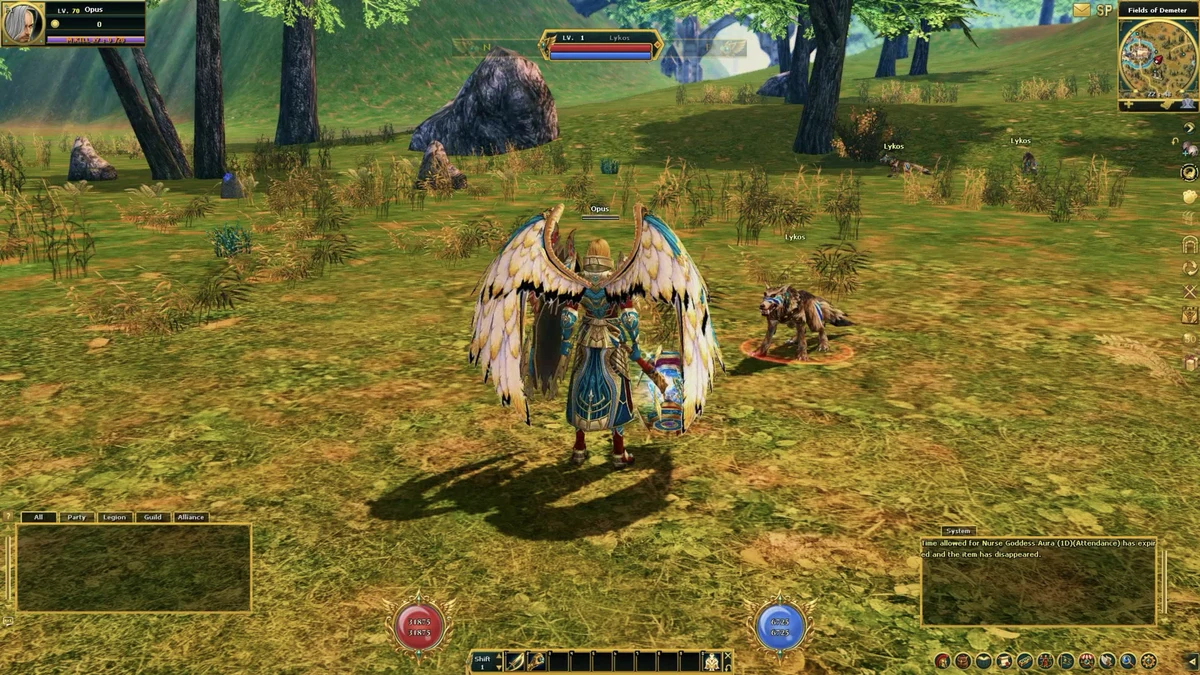
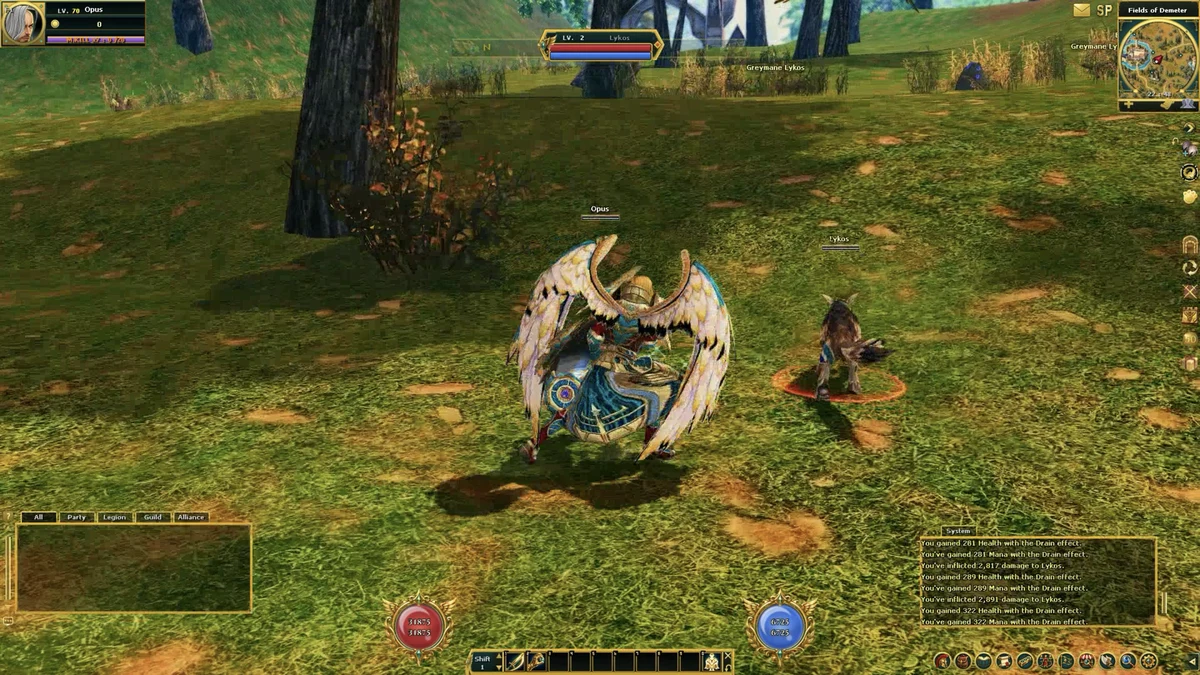
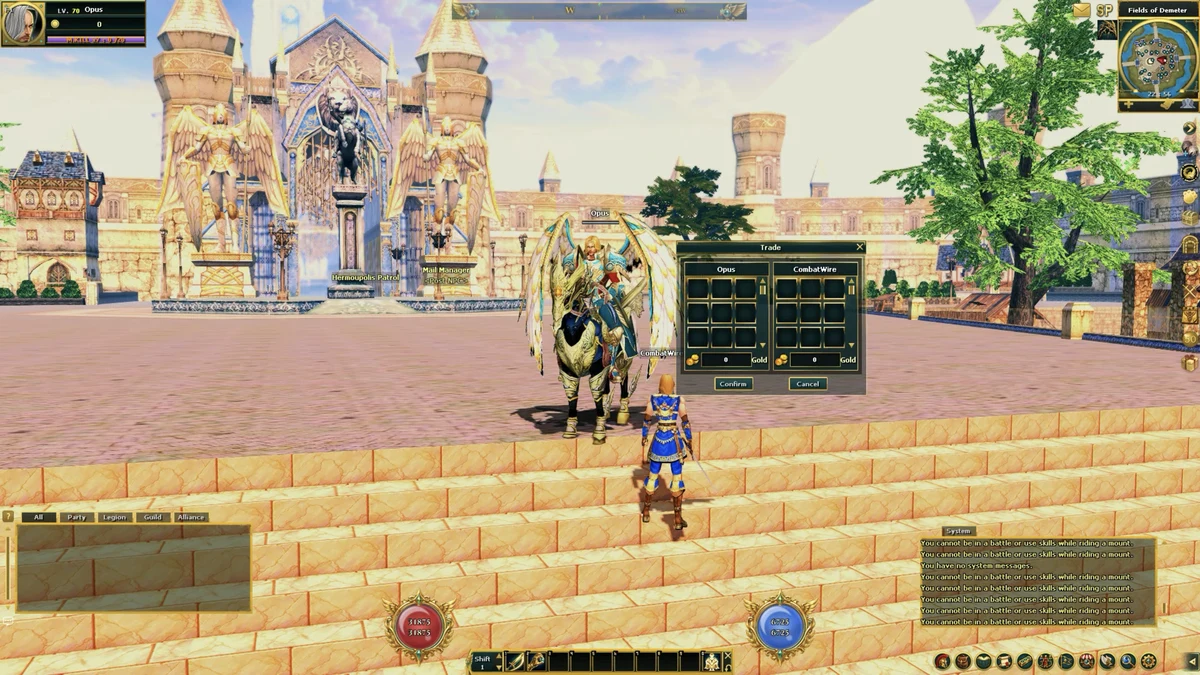
Combat in the game
3. Stay alive
- Watch your HP and MP in the Status window. Click it to target yourself.
- Your buffs and debuffs show in the Buff window; double-click a buff to turn it off.
- Carry potions and put them on your action bar. The Hunter Kit can use potions and pick up loot for you automatically.
- Fight in a party for tougher monsters: open Party from the Basic Menu or use Party Matching on the side bar.
4. Kill streaks give bonus EXP (M. Kill)
Every 20th monster you kill gives bonus EXP of 7 to 19 times that monster's normal EXP, and the biggest bonus comes on the 100th kill. Your M. Kill count shows in the Status window. Make every 20th kill a strong monster near your level. More on M. Kill.
5. Fighting other players
Ctrl + left-click attacks another player. In Normal mode each player kill (PK) takes 1 from your displayed possible kill count; run out and you are penalized to Murderer mode. If you die in Normal mode, only items in your inventory can drop.
The Dhanus and Drogo can switch to Assassin mode, where PKs don't use up that count and the counter refills after 500 monster kills. See Persona Switch, the Arena of Kratos and Guild Siege.
6. Stats and respec
You can reset your stat points with a Stat Reset Stone or gold at the stat reset NPC. See Stat System.