Character Creation

1. Launch and log in
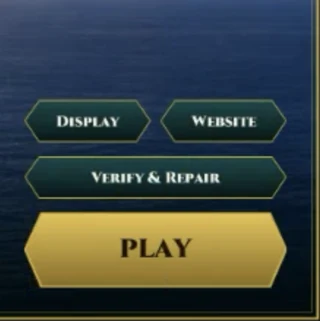
- Open the HermesWorld Realms launcher and let it finish patching; PLAY lights up when it is done.
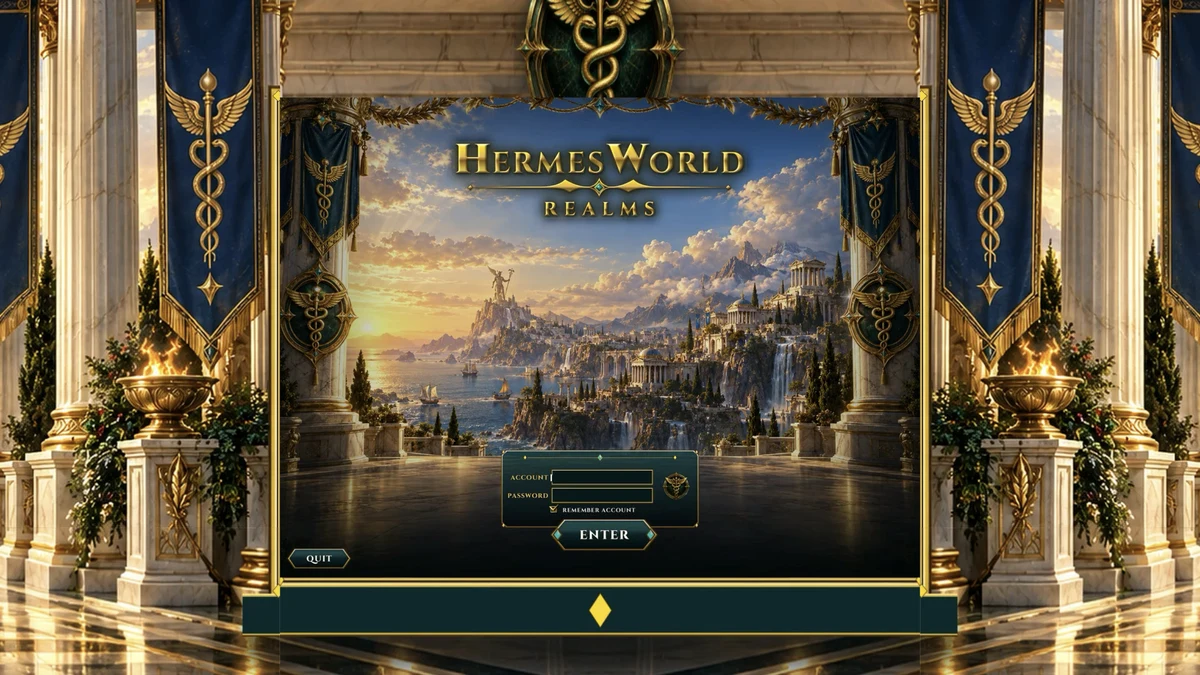
- Enter your account name and game password (set on the account page).
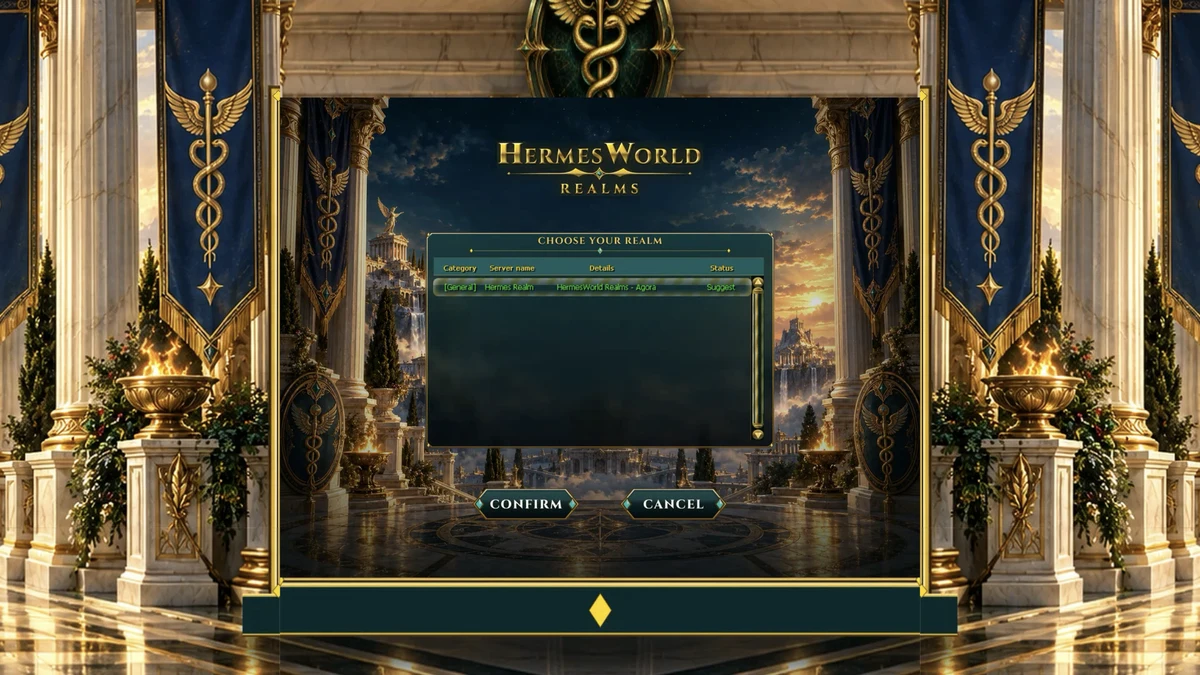
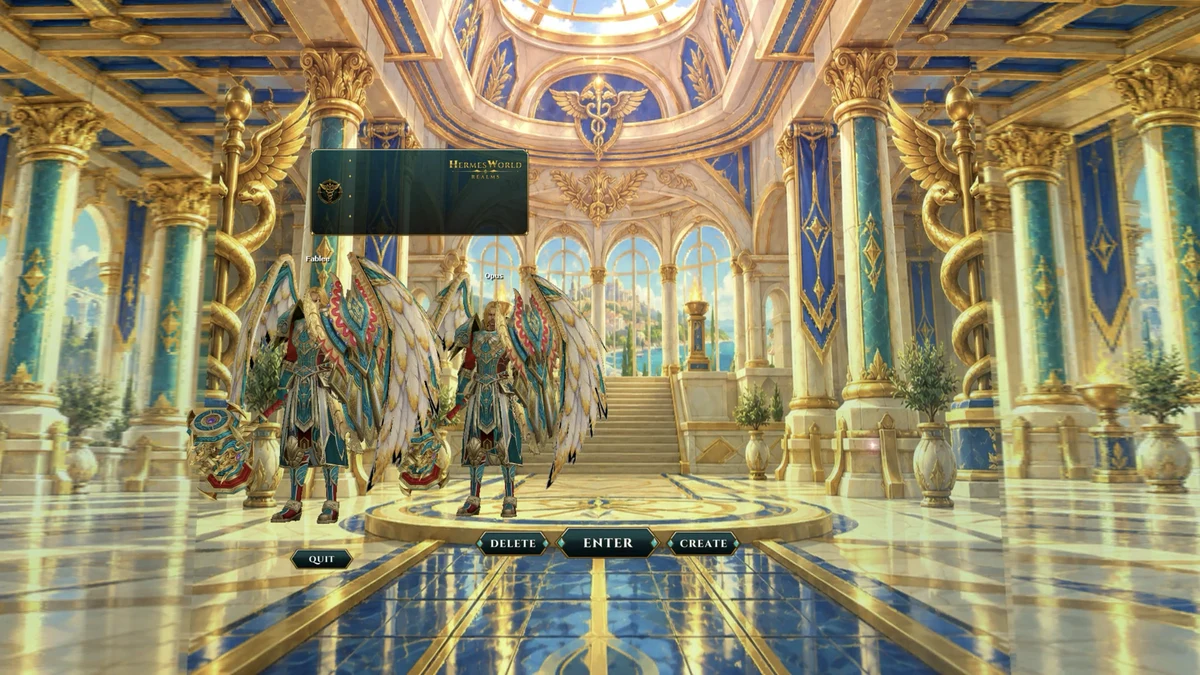
- Pick your realm, then on the character list press Create.
2. Pick a race
All 9 races are on the list. The box under the race shows where you start:
| Race | You start at | Where |
|---|---|---|
| Hero, Elf, Helios, Dhanus, Daimon, Drogo, Gigas | Level 1 | Tutorial Zone |
| Triton | Level 1 | Triton's Birth (the box says Tutorial Zone) |
| Aegis | Level 70 | Thessalia Garrison |
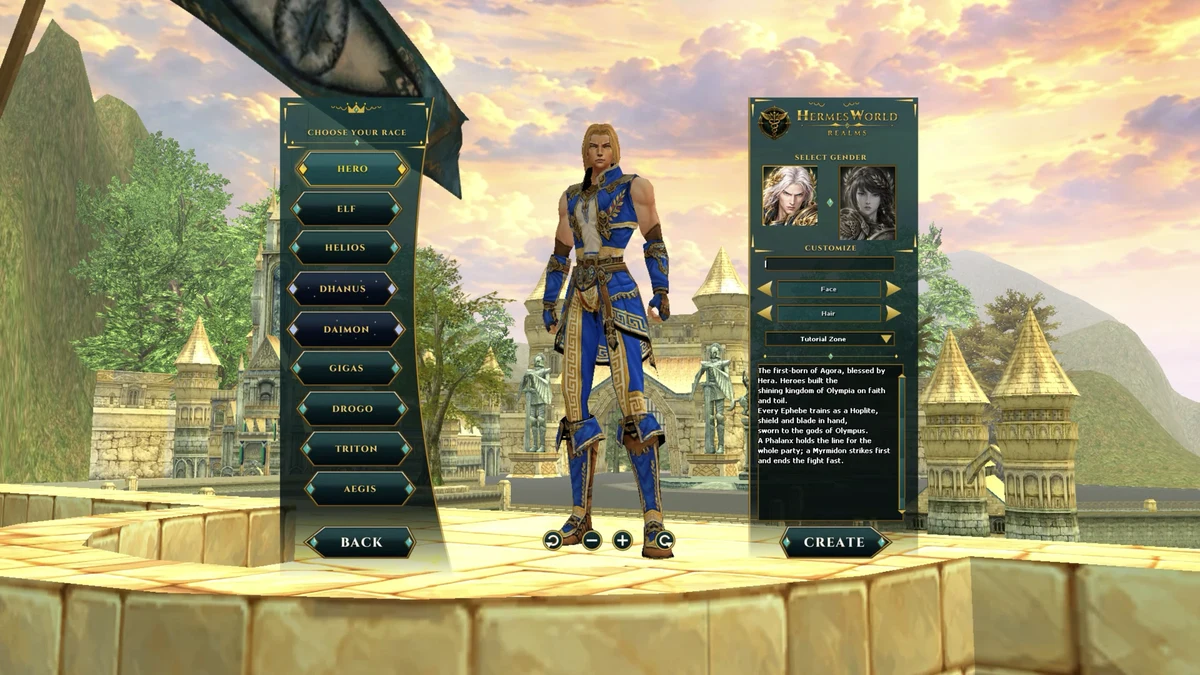
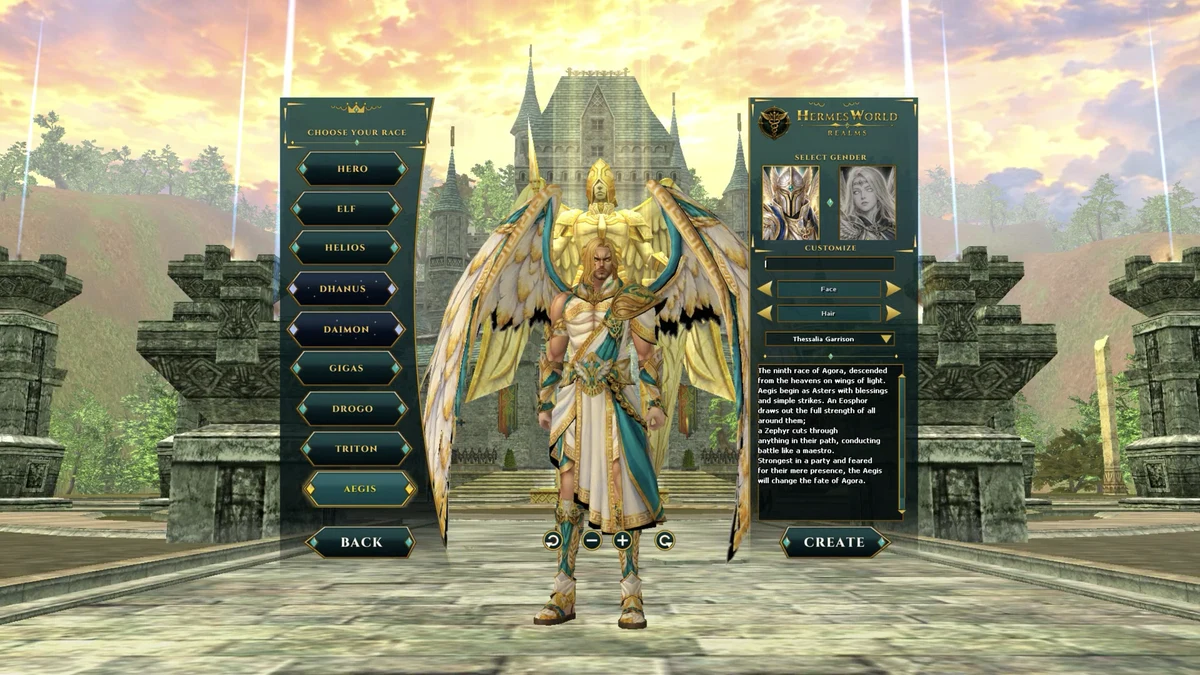
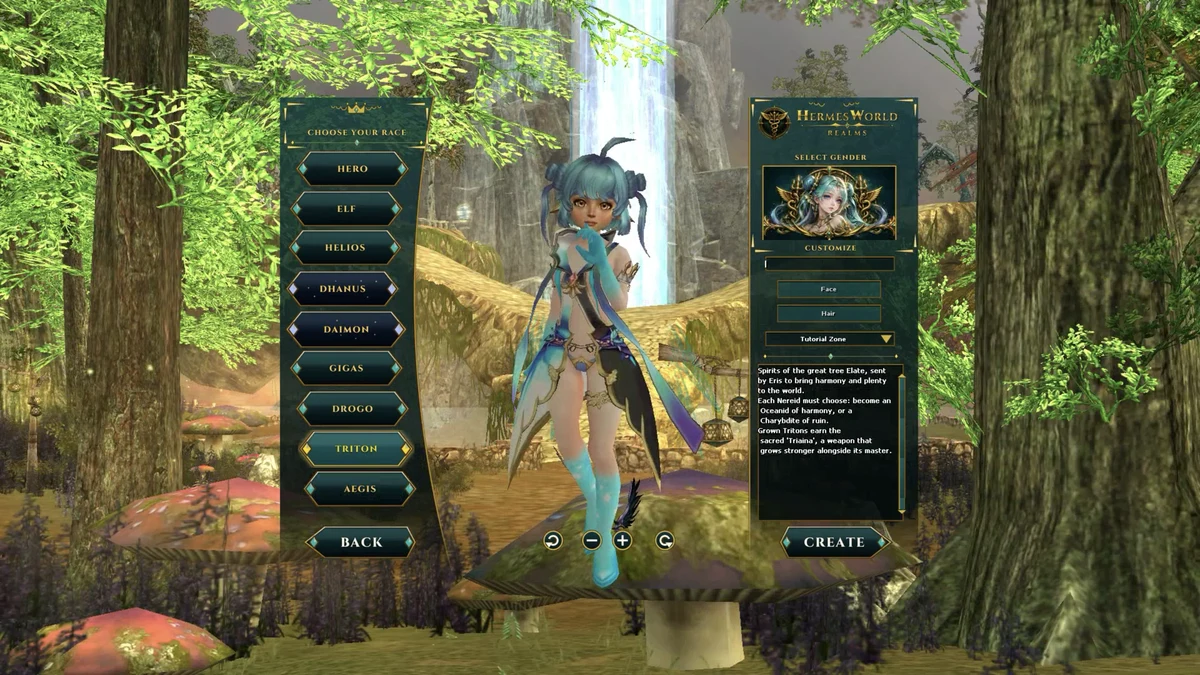
3. Choose your look and name
- Pick a gender, then a face and a hair style. Drag the character to rotate it and use the mouse wheel to zoom.
- Type your character name.
- Press Create. You enter the world at your start location.
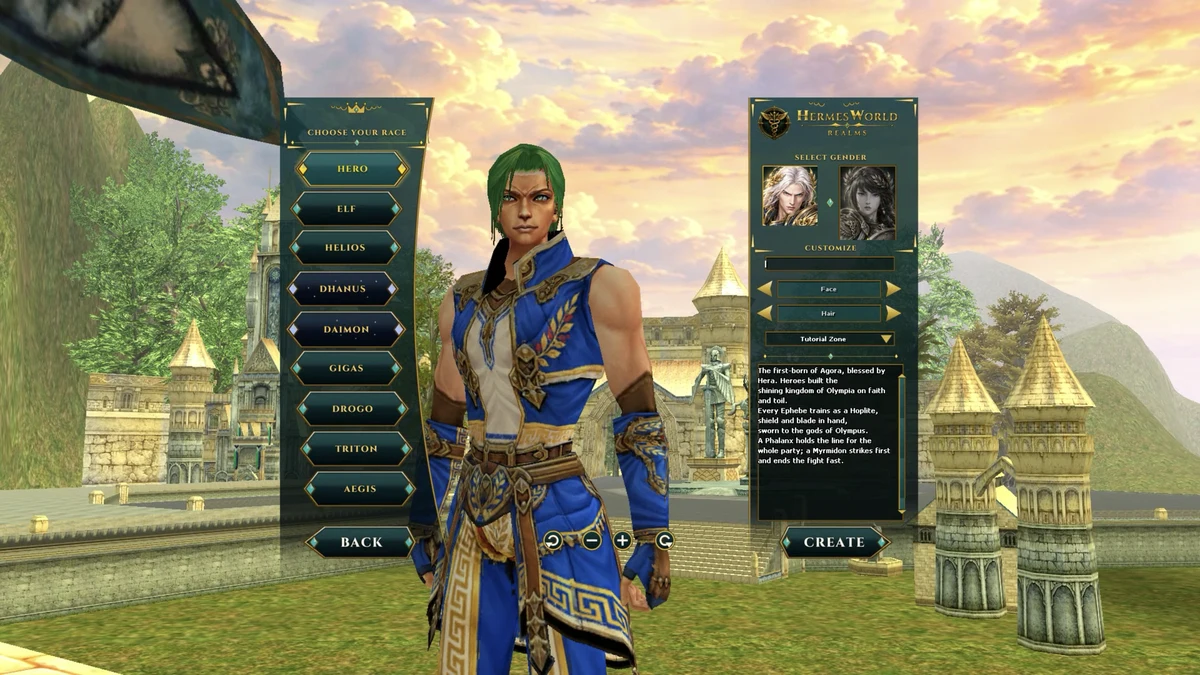
Each race has its own classes; see Race & Classes before you pick.